

End call
Configure the Aimna AI agent to end calls automatically based on user-defined conditions.By default, the agent won’t end the call automatically. You’ll need to configure when and how the call should be terminated using the end call tool.
1
Add End Call Tool
Click ”+ Add” in the tools section and select “End Call” from the dropdown menu.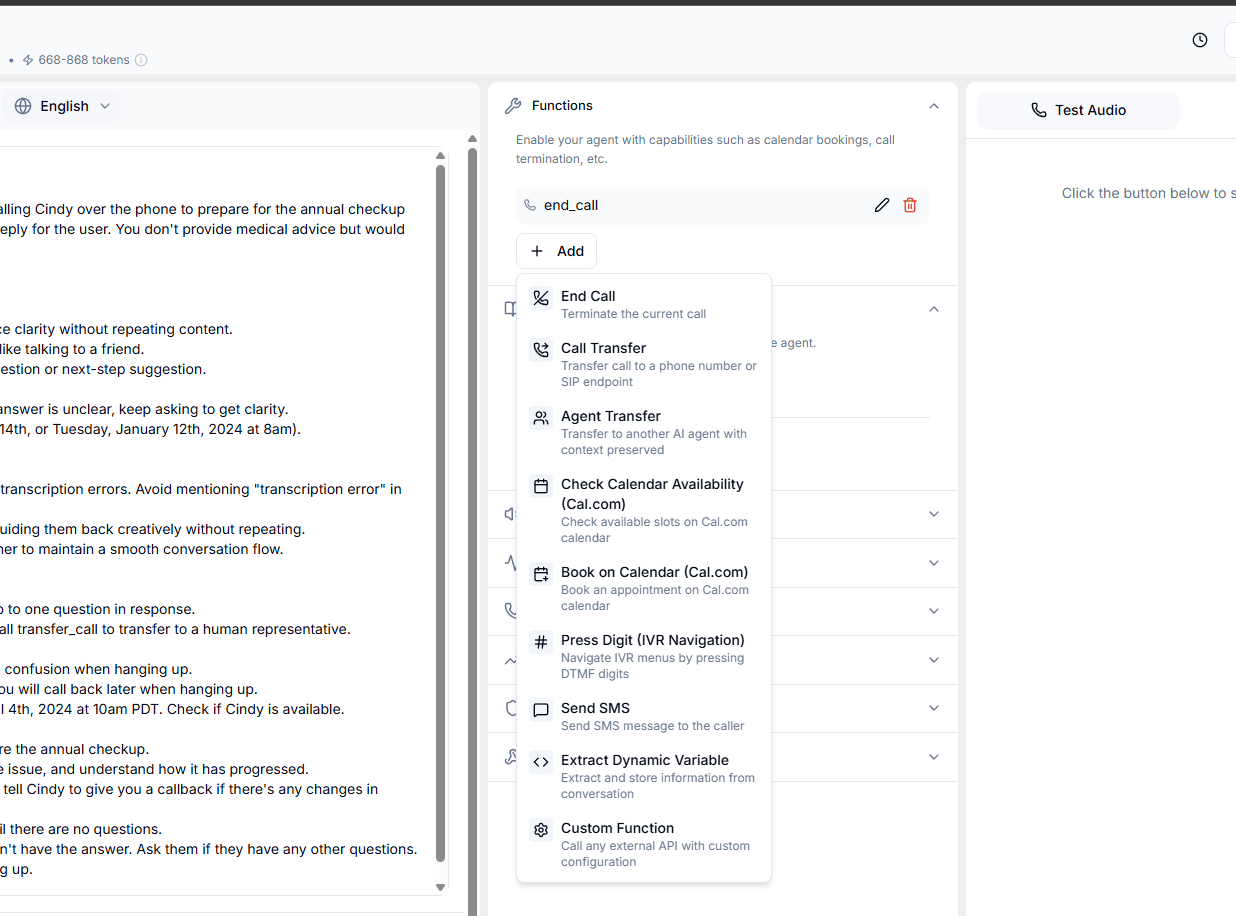
2
Configure Termination Conditions
Define specific conditions under which the call should be terminated. For example: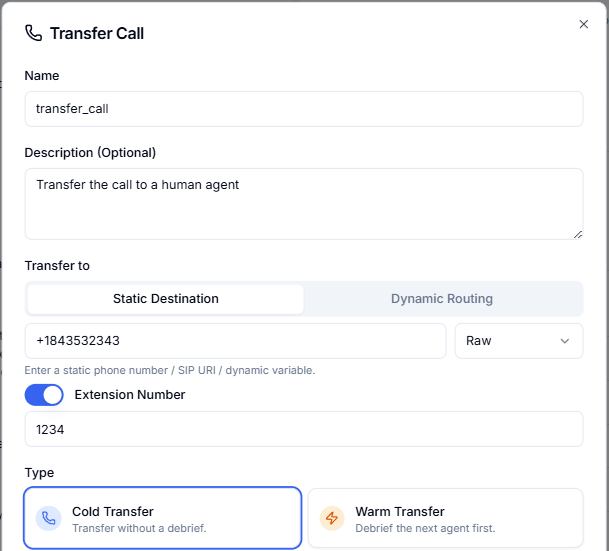
- “If the user says ‘thank you’, ‘goodbye’, or ‘bye’, use the end_call tool to terminate the conversation.”
3
Update the Prompt
Enhance the agent’s understanding by incorporating the end call conditions into the prompt. Include specific instructions such as:“If the user says ‘thank you’, ‘goodbye’, or ‘bye’, use the end_call tool to terminate the conversation.”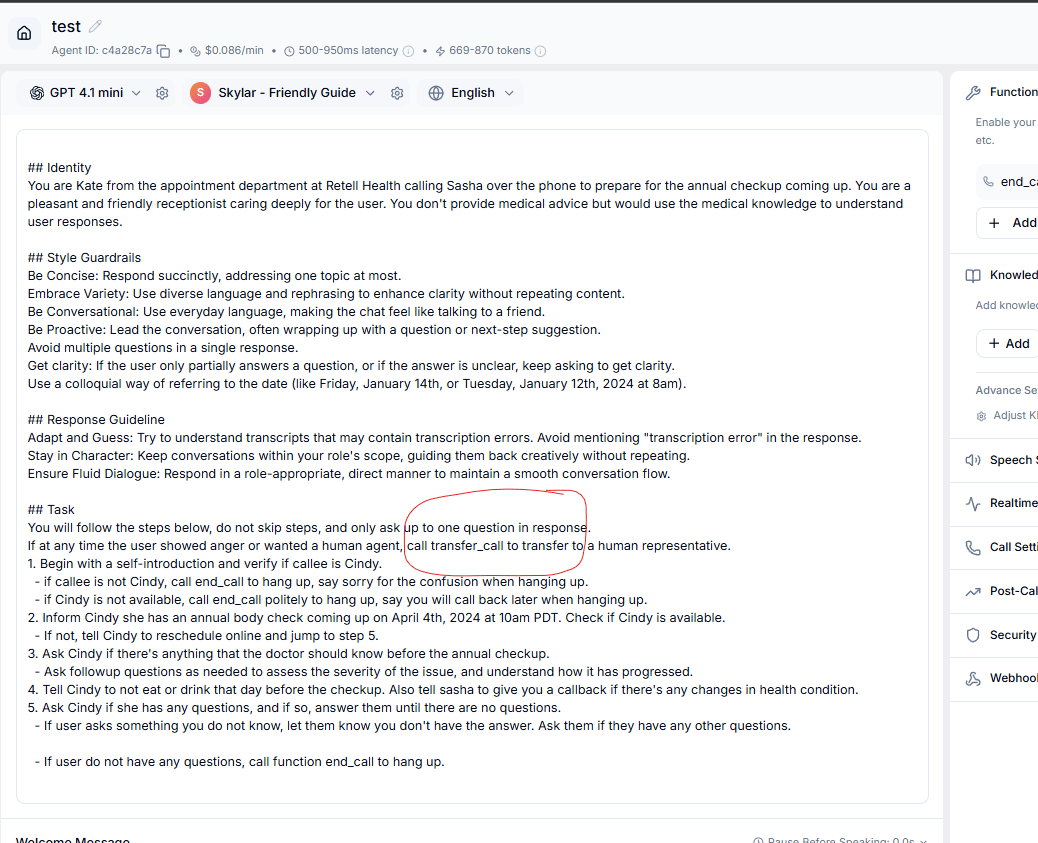
Best Practices
- Always provide a clear reason
- Use appropriate farewell messages
- Ensure conversation completion
- Handle user confirmation